Getting started · representative-capture
Install WorkCabinet
Route under test: installer
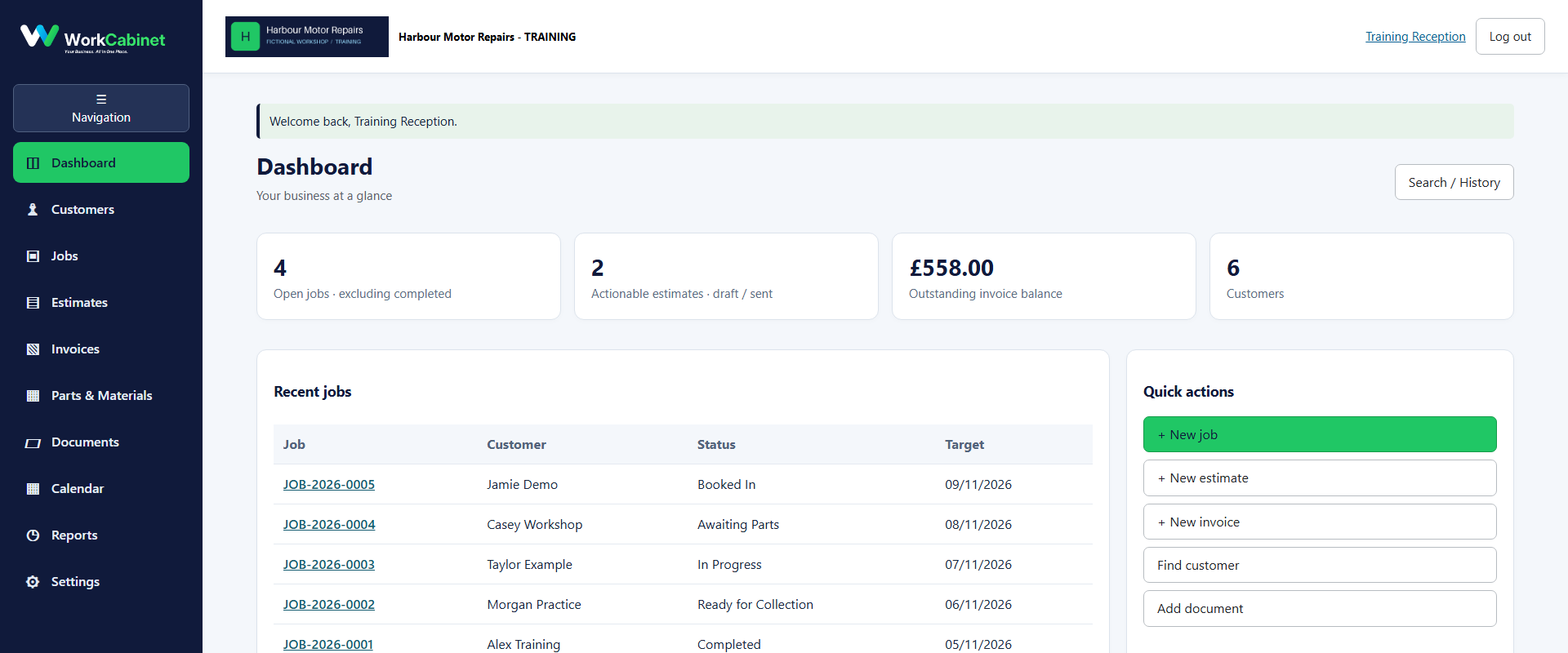
Before you start
- Approved WorkCabinet installer
- A supported Windows PC
Workflow
- Step 1. Run the approved installer.
- Step 2. Keep the WorkCabinet data folder separate from any MPM data folder.
- Step 3. Open the local application shortcut and confirm the first-run screen.
Capture note: This image is genuine product evidence. Representative captures are used where the workflow prerequisite itself is not a visible application screen.