Sales and work · capture-complete
Create and review an invoice PDF
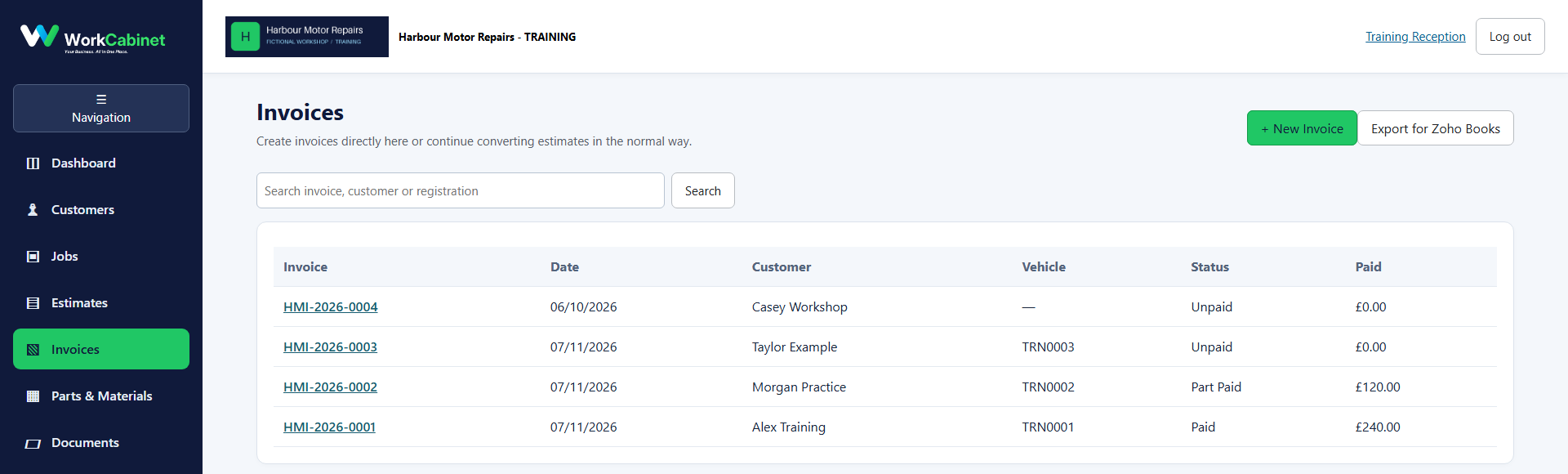
Route under test: invoices
Before you start
- A synthetic completed job or accepted estimate
Workflow
- Step 1. Open Invoices.
- Step 2. Create an invoice from the synthetic work record.
- Step 3. Open the PDF preview and verify totals and company identity.
Capture note: This image is genuine product evidence. Representative captures are used where the workflow prerequisite itself is not a visible application screen.